
Text diagrams
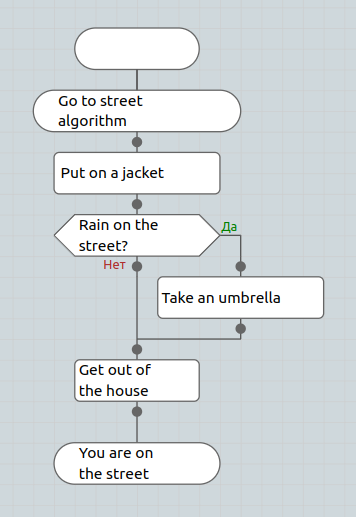
Text algorithms allow you to visualize algorithms in human language.
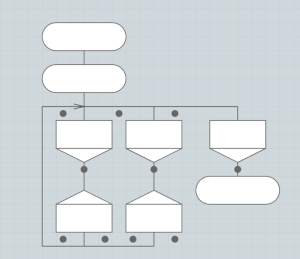
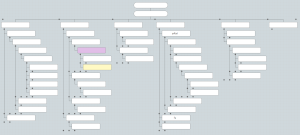
Currently, three types of schemes are available in text algorithms:
- Function: algorithm as a function
- Silhouette: diagram of long-term processes. Analogue of the “silhouette” icon in the Dragon.
- Tree: for describing tree structures
Links between diagrams
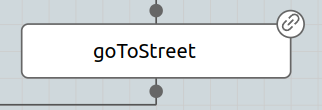
Section titled “Links between diagrams”It is possible to create links between diagrams. In this case, when you click on the link icon in the right corner of the icon, the diagram to which the link leads will be opened.
Changing icon and background color
Section titled “Changing icon and background color”Text algorithms implement the ability to edit the color of the icon or background
Rich text formatting
Section titled “Rich text formatting”Double-clicking a text icon opens a rich text editor with a formatting toolbar: bold, italic, underline, strikethrough, left/center/right/justify alignment, bullet and numbered lists, and undo/redo. You can also insert images — drag the resize handles on a selected image to change its size, and use the alignment buttons on its paragraph to center or right-align it.